
Nexans EASYCALC1.6.4 - Google Play
You'll be able to see results in few seconds.
Publisher Description


NEXANS EASYCALCTM APP
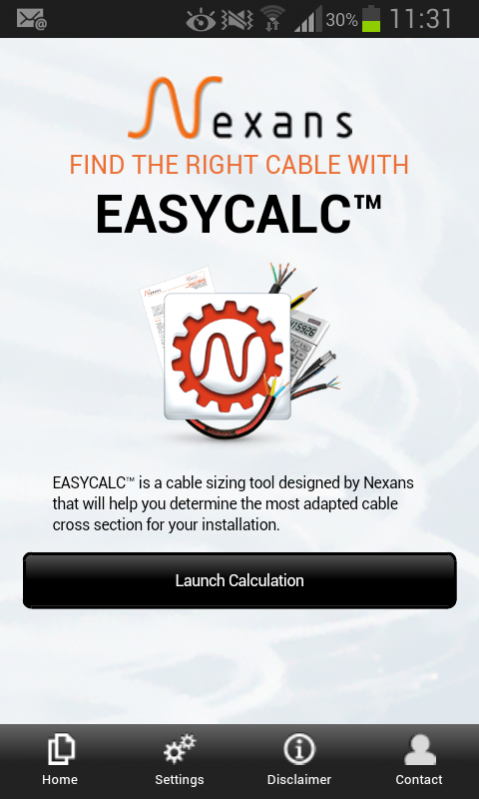
Nexans EASYCALCTM is a cable sizing tool designed for professionals – electrical installers, electricians, end-users - on the move (on site, at customers’ precincts)
HOW TO USE NEXANS EASYCALCTM
EASYCALC™ will help you determine the most adapted cable cross section for your installation. Calculation is performed in 4 quick and easy steps.
1. Fill in general information regarding your installation : intensity/power, length to be installed, voltage and current type (single phase, three phase)
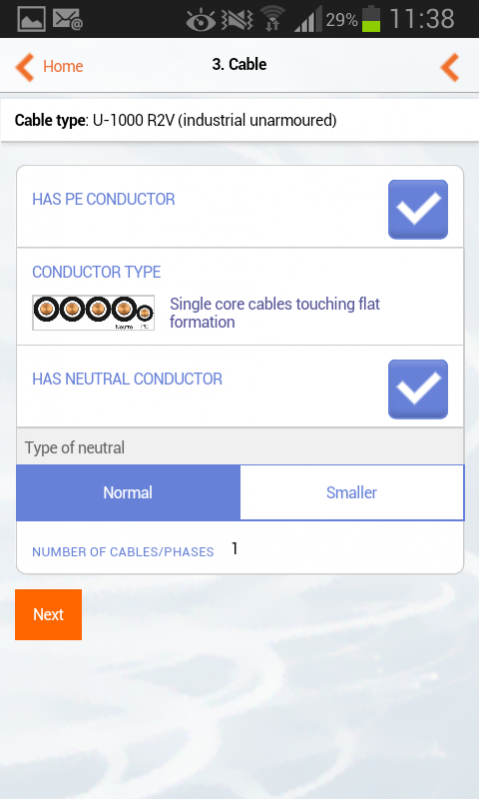
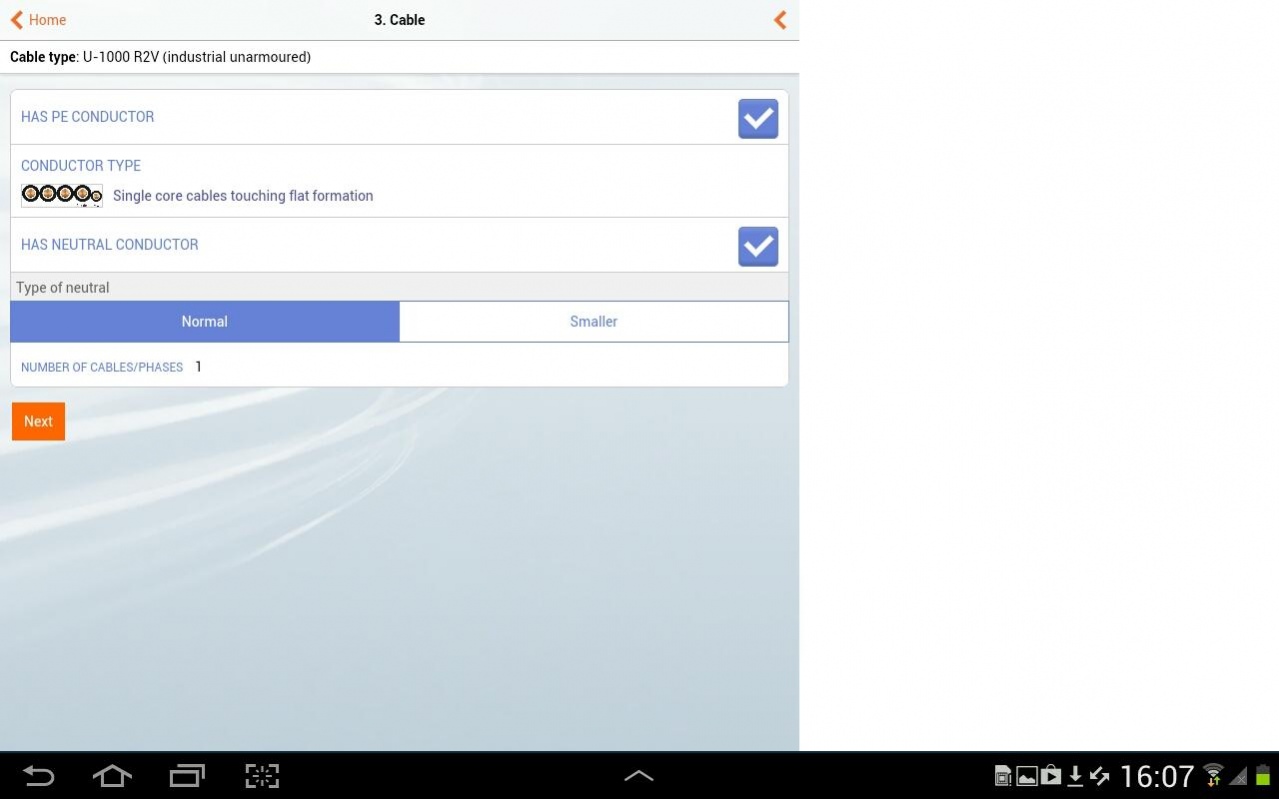
2. Select the required cable and conductor types. You will be able to select the one you wish to use among the most common cable families. A short description and a picture of the cable will help you identify easily the one you need. Once the cable type has been chosen, you will have to specify the type of conductor (single core, multicore, with or without PE, with or without neutral) and the number of phases. Again, a corresponding picture will help you check your selection.
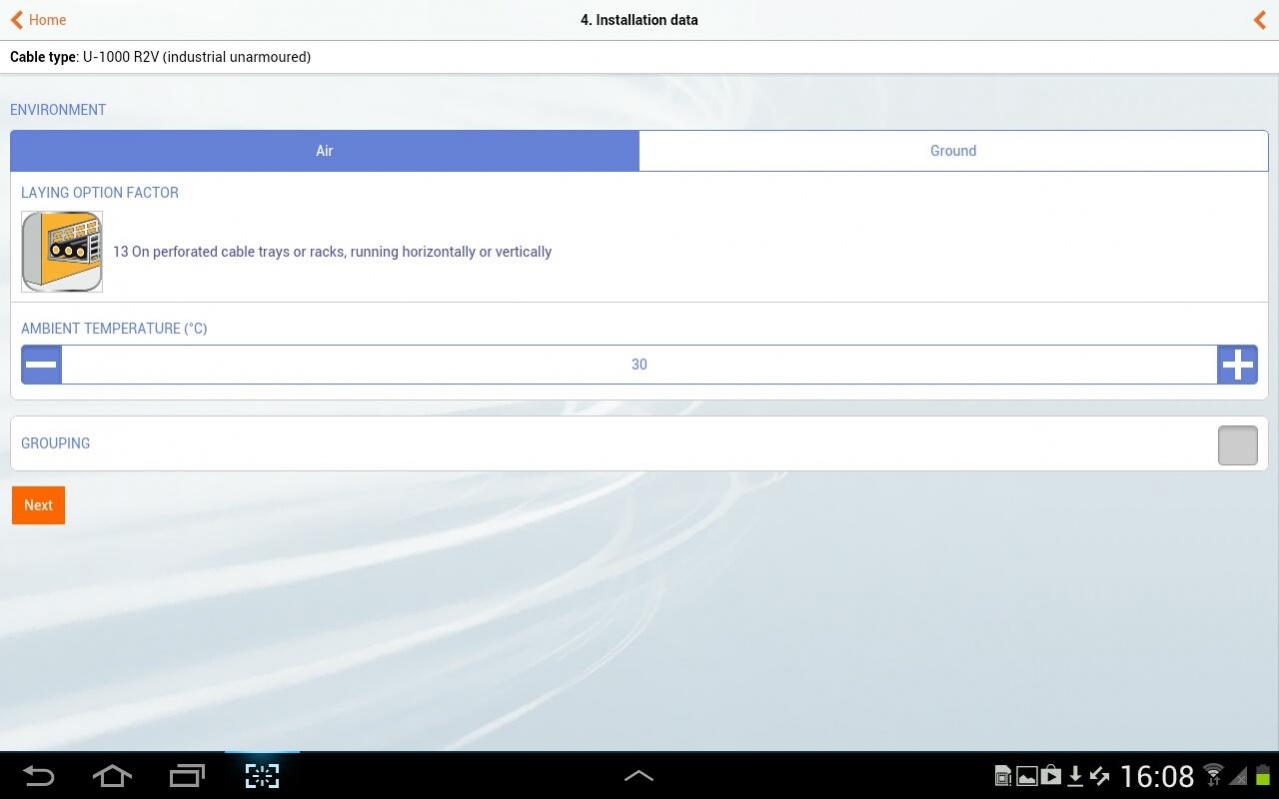
3. Specify installation conditions: environment (air/ground) and laying options. Pictograms illustrating the various options will facilitate your selection.
4. View calculation results: Nexans EASYCALC™ will provide you with the corresponding Nexans product reference. You can then send the results per email or contact Nexans to get additional information
GENERAL INFORMATION
The app requires a network connection to work properly. All the product data is retrieved in real time direct from Nexans’ web servers, ensuring that the information is always up to date.
The app is free to download and use.
About Nexans EASYCALC
The company that develops Nexans EASYCALC is Nexans. The latest version released by its developer is 1.6.4.
To install Nexans EASYCALC on your Android device, just click the green Continue To App button above to start the installation process. The app is listed on our website since 2017-12-21 and was downloaded 0 times. We have already checked if the download link is safe, however for your own protection we recommend that you scan the downloaded app with your antivirus. Your antivirus may detect the Nexans EASYCALC as malware as malware if the download link to com.nexans.crosssection is broken.
How to install Nexans EASYCALC on your Android device:
- Click on the Continue To App button on our website. This will redirect you to Google Play.
- Once the Nexans EASYCALC is shown in the Google Play listing of your Android device, you can start its download and installation. Tap on the Install button located below the search bar and to the right of the app icon.
- A pop-up window with the permissions required by Nexans EASYCALC will be shown. Click on Accept to continue the process.
- Nexans EASYCALC will be downloaded onto your device, displaying a progress. Once the download completes, the installation will start and you'll get a notification after the installation is finished.
Program Details
System requirements
Download information
Pricing
Version History
version 1.6.4
posted on 2017-12-21
This new release contains a few bug fixes and brings a series of new features among which
- store locator to get the list of resellers where you can buy the corresponding products
- for NZ version, new parameter added to the electrical system option for more accurate calculations
- spot promotional campaigns highlighting key products or services
- email stored in the settings allowing to get the detailed calculations results by email without keying it in
version 1.6.2
posted on 2016-05-31
This version includes New Zealand installation standards and can therefore be used with cables complying with the local standards.
Disclaimer
Official Google Play Link
We do not host Nexans EASYCALC on our servers. We did not scan it for viruses, adware, spyware or other type of malware. This app is hosted by Google and passed their terms and conditions to be listed there. We recommend caution when installing it.
The Google Play link for Nexans EASYCALC is provided to you by apps112.com without any warranties, representations or guarantees of any kind, so access it at your own risk.
If you have questions regarding this particular app contact the publisher directly. For questions about the functionalities of apps112.com contact us.
